 Redose
A peptide tracker is only as useful as the friction it removes. For many people, that journey starts with a spreadsheet, and a spreadsheet is a perfectly reasonable starting point. But as protocols grow in complexity, the manual overhead compounds quickly. This article walks through an honest side-by-side comparison so you can decide which approach fits where you are right now.
What You're Actually Trying to Track
Before comparing tools, it helps to list everything a complete peptide log needs to capture:
- Date, time, and dose for every injection
- Which peptide (and which vial batch)
- Injection site so you can rotate intelligently
- Remaining volume in the vial after each draw
- Reconstitution details: how much BAC water was added, what concentration that produced, and therefore how many units equal your target dose
- Protocol schedule: when the next dose is due, what the on/off cycle looks like
- Symptoms and observations: the qualitative notes that make the log clinically useful
That's a lot of moving parts. The question is which tool handles them with less friction.
Spreadsheet Tracking
A spreadsheet (Google Sheets, Excel, Apple Numbers) gives you a blank canvas. That flexibility is its main strength.
What spreadsheets do well:
- Free and immediately available. No download required.
- Fully customizable. You decide every column, every formula, every color code.
- Easy to share with a healthcare provider. Export a PDF or share a link.
- Good for simple protocols. One peptide, one vial, five columns takes about ten minutes to set up.
Where spreadsheets struggle:
- Reconstitution math is manual every time. If you add 2 mL of BAC water to a 5 mg vial, your concentration is 2.5 mg/mL (2500 mcg/mL). A 250 mcg dose is 0.1 mL or 10 units on a 100-unit insulin syringe. That's not hard math, but it's math you have to redo each time you open a new vial, and a unit error here has real consequences. The free reconstitution calculator at /calculators removes this entirely.
- No reminders. Your spreadsheet will not ping you when a dose is due, and with EOD or twice-weekly protocols it is easy to lose track of the day count.
- Injection-site rotation is invisible. You can log "left thigh" in a cell, but the spreadsheet won't warn you that you've used that site four times in a row. See how injection-site rotation works for why this matters.
- Stacks multiply complexity. Add a second or third peptide with different schedules and the sheet becomes a maintenance burden. Cross-referencing columns to find the last site used for Peptide A while also calculating remaining units in Vial B of Peptide C is genuinely tedious.
- Mobile experience is poor. Logging a dose from a phone (often in a bathroom right after an injection) is awkward in a spreadsheet app. Pinching and scrolling to find the right row, then typing into a small cell, adds just enough friction that logs get skipped.
Purpose-Built Peptide Tracker App
An app like Redose is designed from the ground up around the specific workflow of peptide protocols.
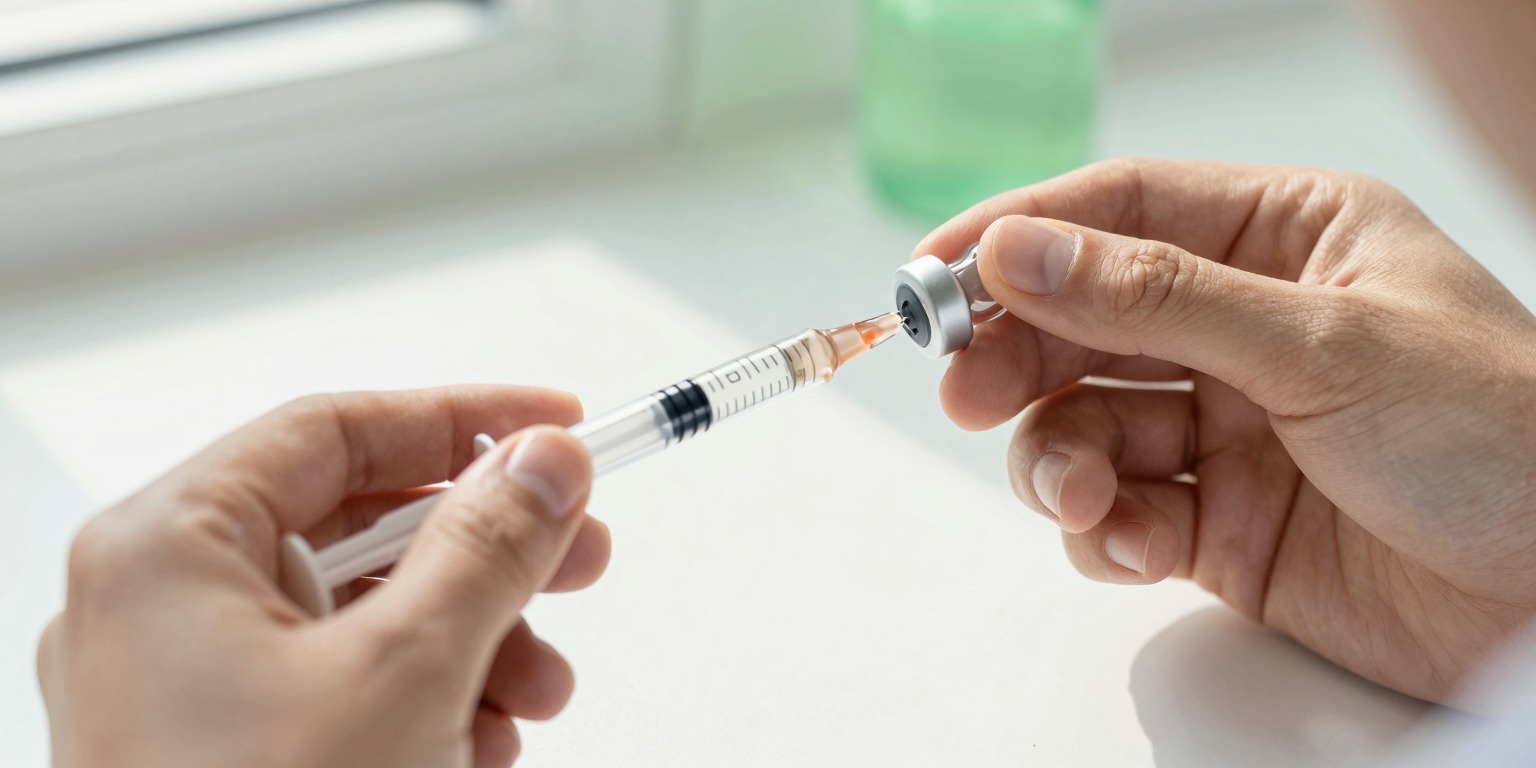 Every dose logged in the app automatically draws down vial inventory and suggests the next injection site.
What a purpose-built app does well:
- Reconstitution calculations are built in. Enter vial size, BAC water volume, and target dose and the app outputs units per draw and tracks remaining volume automatically.
- One-tap dose logging. The current peptide, dose, and scheduled injection site are pre-populated. Logging takes a few seconds.
- Injection-site rotation. The app tracks which sites have been used and suggests the next one, so you're not re-reading a column of cells to figure it out.
- Reminders and protocol scheduling. Set your protocol once (EOD, twice weekly, five-days-on-two-off, whatever the schedule calls for) and the app generates a smart calendar with push reminders.
- Vial inventory. Every logged dose draws down the calculated remaining volume, so you always know approximately how many doses are left and when to plan for a refill.
- Stack management. Multiple peptides with different schedules display in a single view without requiring you to maintain multiple spreadsheet tabs.
Where an app has limitations:
- Less flexible for unusual setups. If your protocol is highly non-standard, a rigid app structure may not accommodate it as gracefully as a custom spreadsheet.
- Requires a download. There's an extra step of setup and trust compared to opening a file you already own.
- Data portability. Depending on the app's export options, moving your data elsewhere may require an extra step. Redose supports PDF export for doctor visits.
Head-to-Head Comparison
| Feature | Spreadsheet | Redose App |
|---|---|---|
| Setup time | 10-30 min (build your own) | 2-5 min (guided onboarding) |
| Reconstitution calculator | Manual formula, error-prone | Built-in, automatic |
| Dose reminders | None (external calendar required) | Push notifications, protocol-aware |
| Injection-site rotation | Manual log, no suggestions | Tracked and suggested automatically |
| Vial inventory | Manual subtraction per dose | Real-time auto-deduction |
| Multi-peptide stacks | Multiple tabs, high upkeep | Single unified dashboard |
| Mobile logging UX | Awkward (spreadsheet app) | Designed for one-tap mobile logging |
| PDF export for provider | Manual formatting | Built-in clinical PDF |
| Cost | Free | Free core features + optional premium |
| Data you control | Your file, your storage | App-managed (check privacy policy) |
| Best for | Simple single-peptide protocols, tech-comfortable users | Multi-peptide protocols, daily logging, anyone prioritizing low friction |
When to Stick With a Spreadsheet
If you are running a single investigational peptide for a short, well-defined trial period and you're comfortable maintaining a file, a spreadsheet is completely adequate. It's also the right choice if you want full control over your data format or need to integrate the log into a broader health tracking workbook you already maintain.
If you're new to peptides in general, reading what peptides are and how they work first is a better starting point than optimizing your logging tool.
When to Move to a Purpose-Built App
The clearest signal is when logging starts to feel like a second job. Specifically:
- You're running two or more peptides simultaneously
- You've made a reconstitution math error (or had a close call)
- You've missed doses because you lost track of the schedule
- You notice you've been using the same injection site repeatedly
- You want to hand a clean report to your doctor
Track This With Redose
If you're managing a protocol that's grown beyond what a spreadsheet handles gracefully, Redose is available for iPhone and Android. The reconstitution and dosage calculators are free at /calculators, no account required, so you can verify the math before you commit to any protocol.
Conclusion
Spreadsheets deserve credit: they're free, flexible, and sufficient for simple use cases. The honest answer is that a peptide tracker app earns its place when protocol complexity outpaces what manual logging can handle cleanly. That typically happens once stacks, schedules, site rotation, and inventory all need to happen in parallel. Use the tool that removes friction, because logs that don't get filled in are worse than no log at all.
This article is educational information, not medical advice. Talk to a qualified healthcare provider before starting any protocol.