 Redose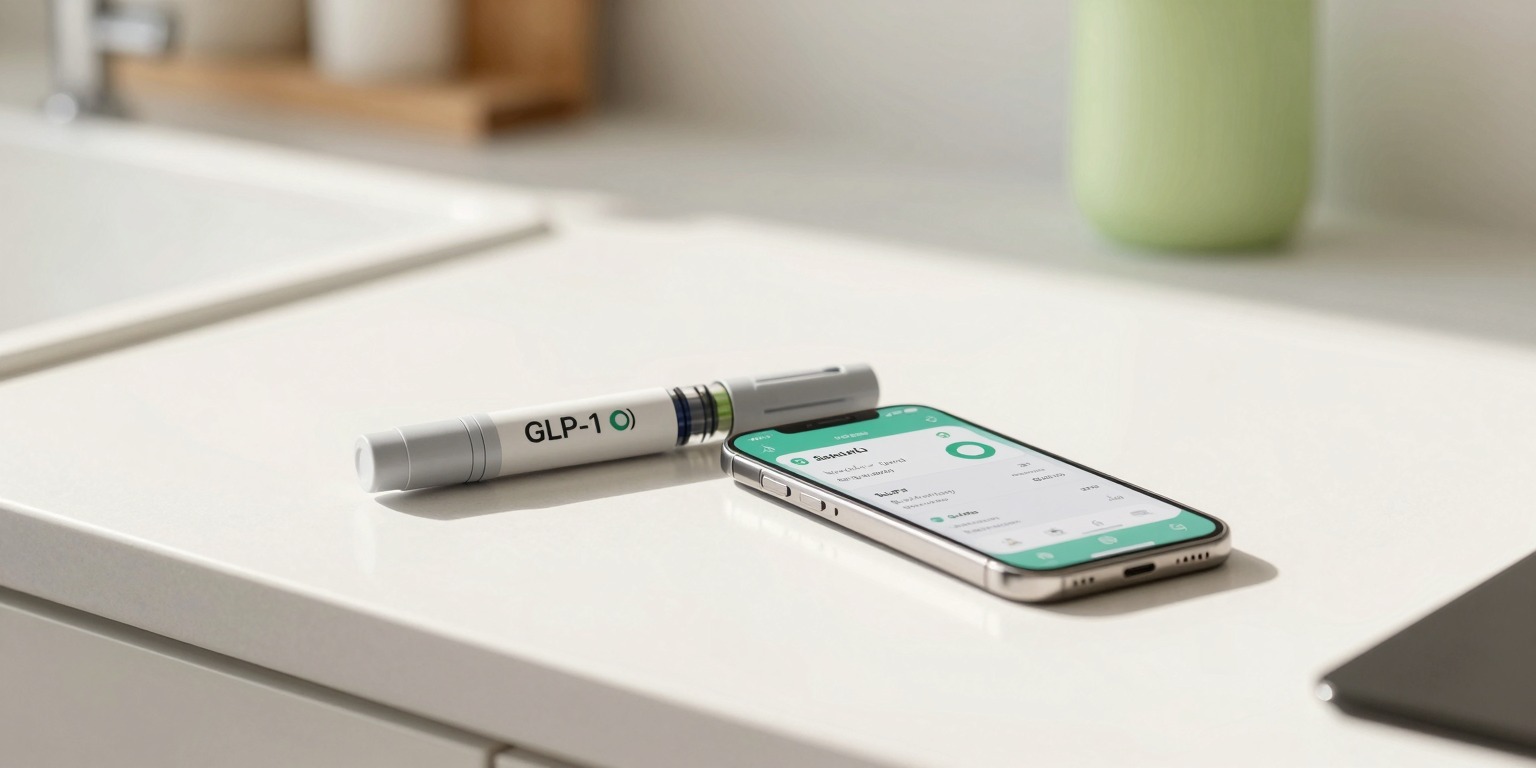
The best Ozempic tracker combines dose logging, injection-site rotation, and symptom journaling in one place, and that is exactly what Redose delivers on both iPhone and Android. Redose also logs calories, food, macros, and water alongside your doses, so you do not need a separate calorie app to stay on top of nutrition while on a GLP-1. Whether you are on week one of titration or month six at maintenance, Redose turns a weekly injection into a five-second tap and keeps a clear record for you and your care team.
Why track Ozempic (semaglutide) with Redose
Managing a once-weekly GLP-1 medication sounds simple until you are unsure which thigh you used last time, cannot remember whether you are on 0.5 mg or 1 mg, or want to show your doctor exactly when nausea hit relative to your dose escalation. Redose closes those gaps:
- One-tap weekly dose logging. Open the app, tap Log, confirm the pre-filled dose, done. The whole interaction takes under five seconds.
- Body-map injection-site rotation. An interactive figure lets you tap the exact zone you used (left abdomen, right thigh, upper arm, and more). Redose tracks your rotation history so you can avoid overusing the same site, which matters for absorption consistency.
- Titration schedule tracking. Set your current dose stage (0.25 mg, 0.5 mg, 1 mg, or 2 mg) and Redose displays your full dose history as a timeline. You always know when your last escalation was and how long you have been at your current level.
- Side-effect and symptom journal. Log nausea, appetite changes, fatigue, GI events, or any freeform note on any day. Entries attach to your dose record so patterns become visible at a glance.
- Weight, food, and activity sync. Redose pulls weight and nutrition data from Apple Health (iPhone) or Health Connect (Android), so your GLP-1 progress chart sits alongside calorie and macro context in one dashboard.
- Smart weekly reminders. A push notification lands before each dose day. Miss a log and the adherence dashboard flags it, keeping your record complete without any manual chasing.
How it works
- Set your medication and dose. Choose Ozempic (or enter semaglutide with your concentration), set your injection day, and enter your current prescribed dose. Setup takes about two minutes.
- Log each shot in one tap. On injection day, open Redose, tap your injection site on the body map, confirm the dose, and you are done. The entry is saved offline instantly and syncs privately in the background.
- Watch your progress build. Your adherence percentage, weight trend, and symptom log grow week by week. Before any appointment, export a PDF summary your prescriber can actually read.
What to track on Ozempic (semaglutide)
Ozempic (semaglutide) is an FDA-approved GLP-1 receptor agonist indicated for type 2 diabetes management and, at higher doses under the Wegovy brand, for chronic weight management. It is given as a once-weekly subcutaneous injection. The table below shows a typical starting schedule based on published prescribing information. Your prescriber sets your exact plan.
| Week range | Typical reported dose | Notes |
|---|---|---|
| Weeks 1-4 | 0.25 mg once weekly | Tolerability phase, not a therapeutic target dose |
| Weeks 5 onward | 0.5 mg once weekly | First maintenance dose for most patients |
| After at least 4 weeks at 0.5 mg | 1 mg once weekly (if needed) | Escalation based on tolerability and response |
| After at least 4 weeks at 1 mg | 2 mg once weekly (if needed) | Maximum approved Ozempic dose |
Logging every step in Redose means you always know exactly which phase you are in and how long you have been there. If side effects spike at an escalation step, the symptom journal captures the timing automatically.
Beyond the dose itself, things worth tracking on semaglutide include: injection site (for rotation and absorption consistency), body weight and waist measurement (to assess response), appetite and hunger levels, GI symptoms (nausea, vomiting, constipation), energy and mood, and any other effects you want to discuss with your prescriber. The side-effect tracker in Redose handles all of these with pre-set quick-log buttons and freeform notes.
Track your food and water too
GLP-1 medications reduce appetite significantly, which makes it easy to under-eat protein and forget to drink enough water. Redose lets you log meals, calories, and macros right inside the same app where you track your shots, so you can see your nutrition trends alongside your dose history without switching between multiple apps. Hitting a daily protein target and staying hydrated matters for preserving muscle and managing common GLP-1 side effects, and having everything in one place makes both easier to stay on top of. Learn more about the built-in calorie tracker and water tracker.
Built for the whole journey
A GLP-1 prescription is rarely a short-term commitment. Redose is built to stay useful across months and years. The live vial and pen inventory shows how many doses remain and triggers a reorder reminder before you run out, so you never face a gap week. When you are ready to discuss your progress, the one-tap PDF export generates a doctor-ready report with your dose history, weight trend, and symptom log formatted for a clinical conversation.
Apple Health and Health Connect sync pulls in steps, heart rate, sleep, and nutrition alongside your medication log, giving a richer picture of how semaglutide is affecting your daily life. The GLP-1 shot tracker also supports other GLP-1 medications, so if your prescriber ever transitions you to a different agent the same workflow continues without starting over.
Free reconstitution and dose calculators are available at /calculators for anyone working with compounded semaglutide who needs to convert concentration to injection volume.
Ready to get started? Download Redose free and have your first dose logged in under two minutes. For a deeper look at how semaglutide works, see the semaglutide science profile. If you are evaluating options, best GLP-1 for weight loss compares the leading agents side by side.
Redose is a tracking tool, not medical advice. Your prescriber sets your dose and schedule.