 Redose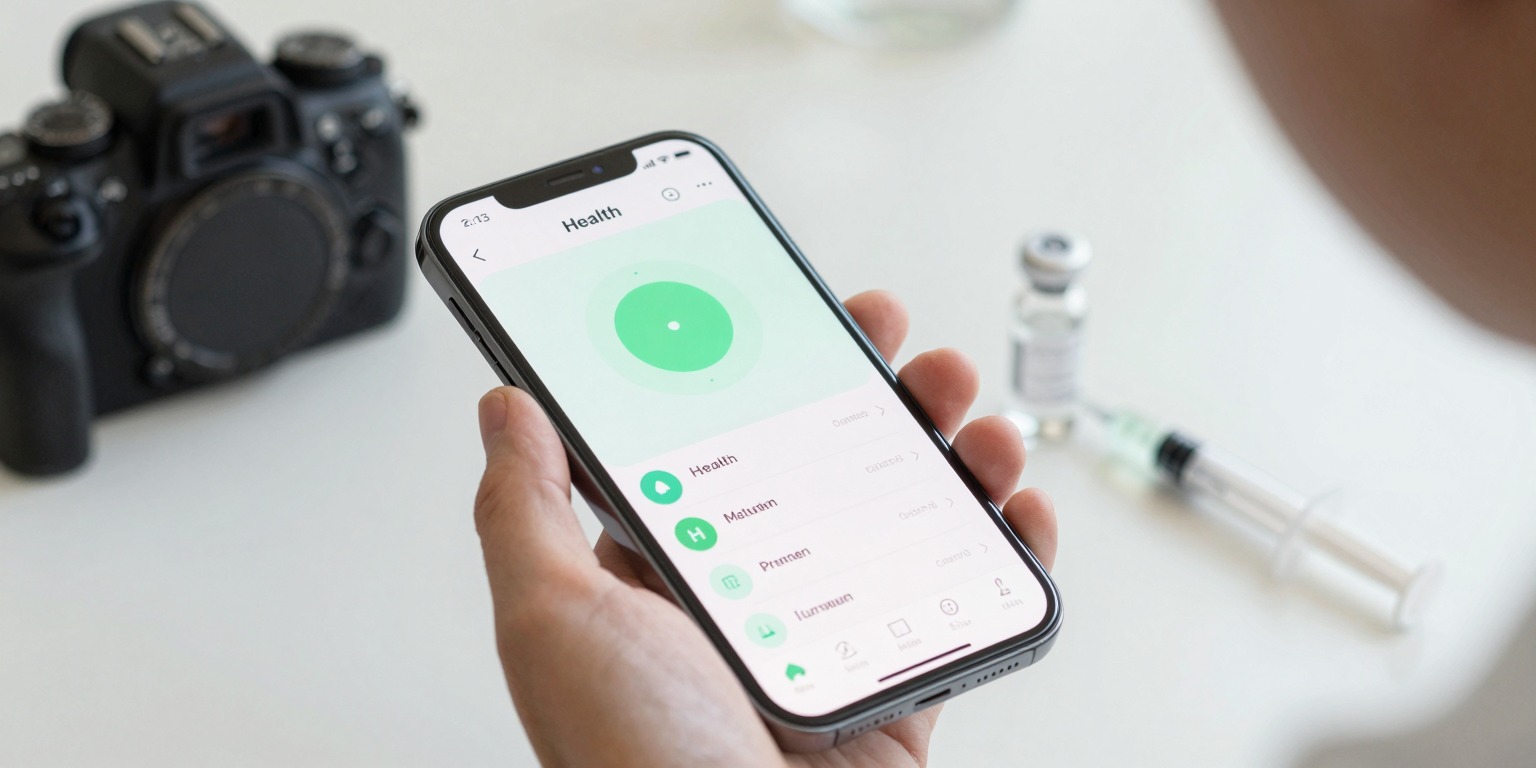
The best peptide tracker app keeps your protocol organized without adding friction, logging a dose should take seconds, not minutes. Whether you're managing a single compound or a complex stack across multiple vials, the right app handles reconstitution math, injection-site rotation, and schedule reminders so you can stay consistent with minimal mental overhead.
Top Picks at a Glance
| App | Best For | Platform |
|---|---|---|
| Redose | Full peptide protocol management (logging, inventory, calculators) | iOS, Android |
| Apple Health | Passive data aggregation alongside dose notes | iOS only |
| Cronometer | Micronutrient + supplement logging alongside peptides | iOS, Android, Web |
| MyFitnessPal | Users who primarily track nutrition and want a supplement log | iOS, Android, Web |
| Notion / Airtable | Power users who want fully custom protocol databases | Cross-platform |
Redose, Purpose-Built for Peptide Protocols
Redose is the only app in this list built specifically around peptide workflows. It treats vials, cycles, and injection logistics as first-class features rather than afterthoughts bolted onto a calorie counter.
One-tap dose logging. After you configure a protocol once, peptide, dose amount, frequency, injection site, logging each dose takes a single tap. The app pre-fills the amount, timestamp, and suggested rotation site. You can add a quick note for effects or observations without leaving the screen.
Built-in reconstitution calculator. Enter your vial size and the volume of bacteriostatic water you're adding, and Redose calculates the resulting concentration, the volume per dose, and how many doses the vial contains. This eliminates the most common source of dosing errors. The free calculator is also available on the web if you want to run a quick check before mixing.
Vial inventory with countdown. Each vial tracks remaining doses in real time as you log. When a vial is running low, the app surfaces a reorder estimate based on your protocol's remaining weeks, useful when you're mid-cycle and want to plan ahead.
Injection-site rotation. Redose uses a body-map picker so you can record exactly where each injection went. The app tracks your recent sites and suggests the next in rotation, which matters for compounds where repeated injection into the same tissue can cause localized issues.
Protocol scheduling and reminders. Set a dosing schedule, daily, every other day, five days on / two off, or custom, and Redose generates a calendar with discreet push reminders. The notification includes a one-tap "Log Dose" action so you never have to open the app manually.
HealthKit integration and PDF export. On iOS, dose history syncs to Apple Health. You can also export a clean PDF report summarizing your protocol, doses logged, and any notes, useful to bring to an appointment or send to a physician.
Track this with Redose. If you're managing any peptide protocol, whether that's BPC-157 for recovery, a GLP-1 analogue, or a multi-compound stack, Redose is designed to make daily tracking effortless. Download it here.
Apple Health, Passive Aggregation on iOS
Apple Health is not a peptide tracker, but it's worth mentioning because Redose and some other apps write dose data to it. If you already use Health as your central dashboard for sleep, heart rate, body weight, and workout data, having dose timestamps in the same timeline can surface patterns, for example, whether your sleep quality or activity levels correlate with where you are in a cycle.
On its own, Health has no reconstitution calculator, no injection-site logging, and no protocol-aware reminders. Use it as a companion layer, not a standalone solution.
Cronometer, Detailed Nutrition + Supplement Logging
Cronometer is one of the most thorough nutrition trackers available and includes a custom supplement/medication log where you can enter any compound by name and amount. If you're using peptides alongside a strict dietary protocol, tracking micronutrients, fasting windows, or body composition, Cronometer gives you a unified view of food and supplementation in one place.
The limitation is that Cronometer has no concept of vials, reconstitution, or injection logistics. It's a log, not a protocol manager. Units, remaining inventory, and site rotation are entirely manual. For users who primarily think in terms of nutrition first and use peptides as a single add-on, it's a reasonable choice. For anyone managing multiple compounds or needing dosage math support, the gaps show quickly.
MyFitnessPal, Familiar Interface, Limited Peptide Features
MyFitnessPal's supplement section lets you add custom entries, so you can technically log peptide doses. The user base is enormous and the interface is widely understood. However, the supplement log is minimal, no vial tracking, no unit conversion between mg and mcg, no cycle scheduling, and no injection-site records.
It works well as a starting point for someone already using it for macros who wants to record dose dates in the same app. For anyone whose primary goal is tight peptide protocol management, it falls short of purpose-built options.
Notion or Airtable, Custom Databases for Detail-Oriented Users
Some people running complex multi-peptide stacks prefer to build their own tracking database in Notion or Airtable. The flexibility is real, you can design custom fields for lot numbers, supplier notes, effect ratings, blood marker results, and anything else you want to correlate.
The trade-off is setup time and friction. There's no push reminder system, no body-map injection picker, and no reconstitution calculator built in. Mobile logging is slower than a dedicated app. This approach suits researchers or clinicians managing detailed records, but for daily self-tracking, the overhead tends to erode consistency over time.
 The core tools of a peptide protocol: a labelled vial, a precision syringe, a written schedule, and a dedicated tracking app.
What to Look for in a Peptide Tracker App
If you're evaluating options, here's what separates a purpose-built peptide tracker app from a generic health log:
- Reconstitution math. The app should handle BAC water ratios and concentration calculations, not leave you with a spreadsheet. See the how-to guide on reconstitution for what these calculations involve.
- Unit flexibility. Peptide doses are expressed in mcg, mg, or IU depending on the compound. The app should convert cleanly between them. Redose's calculator page covers this.
- Injection-site tracking. Particularly relevant for subcutaneous or intramuscular protocols where rotation across sites reduces tissue irritation. Learn more about injection-site rotation.
- Cycle and schedule awareness. A good tracker understands that some protocols are time-limited, run in on/off cycles, or involve dose titration. One-size-fits-all supplement logs don't model this.
- Reminders that aren't annoying. Discreet, actionable notifications, ideally with a one-tap log action, are far more effective than generic daily pill reminders.
- Export for healthcare providers. A clean PDF that summarizes your protocol and dosing history makes it easier to discuss what you're doing with a physician.
A Note on Peptide Research Status
Most peptides discussed in fitness and wellness communities, including BPC-157, TB-500, CJC-1295, Ipamorelin, and others, are investigational compounds. They are not FDA-approved for general human use, and the clinical evidence for many applications is still limited, largely based on animal studies or small human trials. This does not mean tracking apps are inappropriate, organized, consistent records are especially important when working with less-studied compounds, but it does mean that any protocol should be undertaken with guidance from a qualified healthcare professional, not self-directed from an app alone.
Conclusion
For most people managing a peptide protocol, Redose offers the most complete feature set: one-tap logging, built-in reconstitution math, injection-site rotation, vial inventory, and schedule-aware reminders in a clean mobile interface. General trackers like Cronometer or MyFitnessPal work as secondary logs for users who prioritize nutrition data, and custom databases in Notion suit highly detail-oriented users willing to invest in setup. The right choice depends on how complex your protocol is and how much friction you're willing to accept in your daily routine.
This article is educational information, not medical advice. Talk to a qualified healthcare provider before starting any protocol.